

SQL Delta Help
Zoom Data
Some column types such as binary columns or large text columns only show a small amount of data in the Data Results grid.
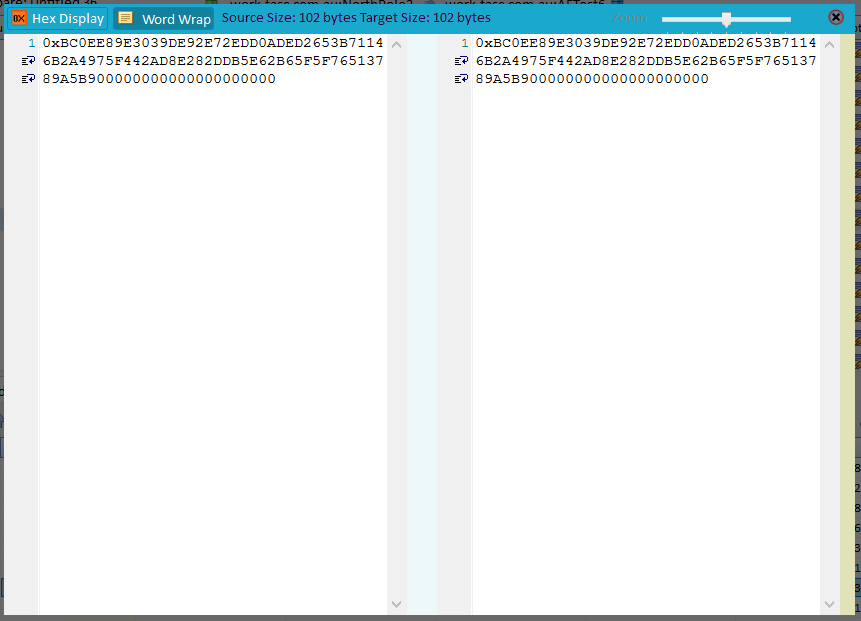
Double-click any cell to open the Zoom Compare view and see the full source and target field values.
Use Word Wrap (F5) to wrap long values, or switch to Hex Display (F6) when you need to inspect binary data or spot hidden control characters in text values.
The Zoom slider on the right increases or decreases the text size. Press Esc or click Close to dismiss the Zoom view.
See Also: Data Results