

SQL Delta Help
Activation
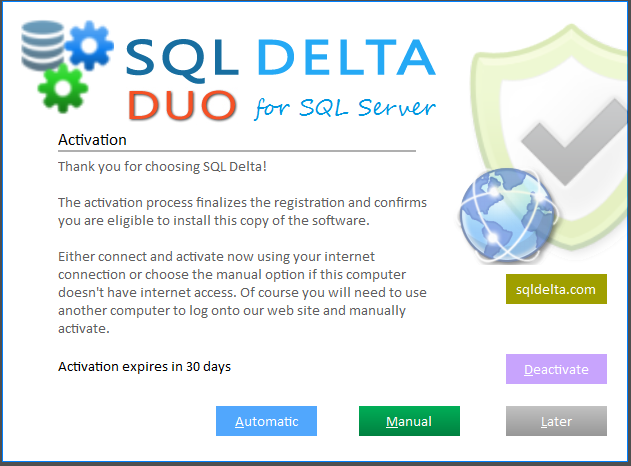
After you enter a valid registration code, the next step is to activate this copy of SQL Delta. If you do not want to activate immediately, click Later and continue without activating for now.
Automatic Activation is the simplest option. If the computer has Internet access, click Automatic and SQL Delta connects to our web server to confirm that this copy is eligible to be activated. The server returns an activation code and SQL Delta updates the local license data. When activation completes normally, the trial and activation screens no longer appear.
If activation succeeds but the license moves into an out-of-subscription or purchase-order state, SQL Delta shows the relevant follow-up screen instead of closing the dialog immediately.
You can view your activations at client.sqldelta.com
If you don't have Internet access on the SQL Delta machine, you can use the manual activation path with a separate computer that does have Internet access.
See Manual Activation for the step-by-step process.
If you need to switch to a different registration code because the current code has no spare licenses, deactivate the current registration, restart SQL Delta, then enter the alternate registration code and activate again. See Deactivation.
What do we store
SQL Delta generates a unique code to identify your computer and part of this code includes your registration code and your computer name, in an encrypted form.
We do this so when you are visiting the customer portal and reviewing the active licenses you can determine which computers have SQL Delta installed so individual licenses can be more easily managed.
See Also: Trial