

SQL Delta Help
Updates Subscription
A SQL Delta license normally includes a product-updates subscription for a defined term. During that subscription period you can install product updates, whether the update is a minor patch or a major release.
Once your subscription expires you can continue to use SQL Delta, but you can only use versions that were available before the subscription expiry date.
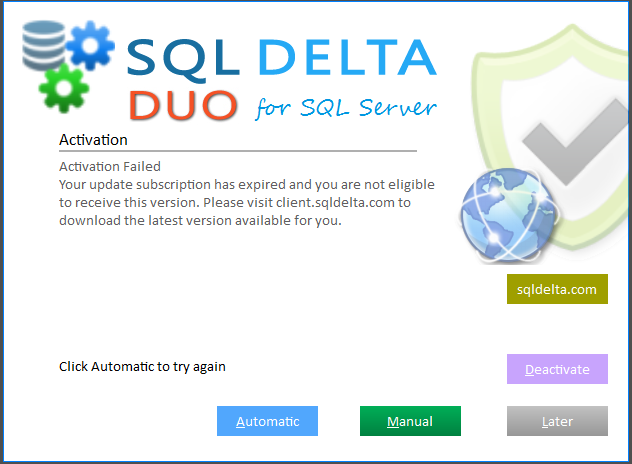
During activation SQL Delta checks the subscription status of the current registration code. If the subscription has expired, SQL Delta shows an Update Subscription Expired screen with the recorded expiry date and explains the available options.
From that screen you can renew the subscription through the SQL Delta web site, install an older archive version released before the expiry date, or use Deactivate to remove the current registration so you can enter a different registration code with an active subscription.
The Update button rechecks the current subscription status with the web service in case the subscription has already been renewed.
If the license was purchased against a purchase order, SQL Delta can instead show a related payment-status screen. That screen lets you check the current status online, validate with an emailed confirmation code, or deactivate the current registration.
The initial price and duration of the updates subscription may change in the future so please review the details at https://sqldelta.com/purchase.